> ## Documentation Index
> Fetch the complete documentation index at: https://docs.builtwithpaper.com/llms.txt
> Use this file to discover all available pages before exploring further.
# Tablet Overrides
> Learn how to make your app shine on tablet devices.
# Tablet Overrides (responsive design)
Tablet overrides are special properties that are only applied when a specific component is displayed on Tablets.
This is what enables your app to look great on both Phones and Tablets.
Here is an example of making a [Stack](/components/stack) be horizontal while on Tablets, while remain
vertical on Phones.
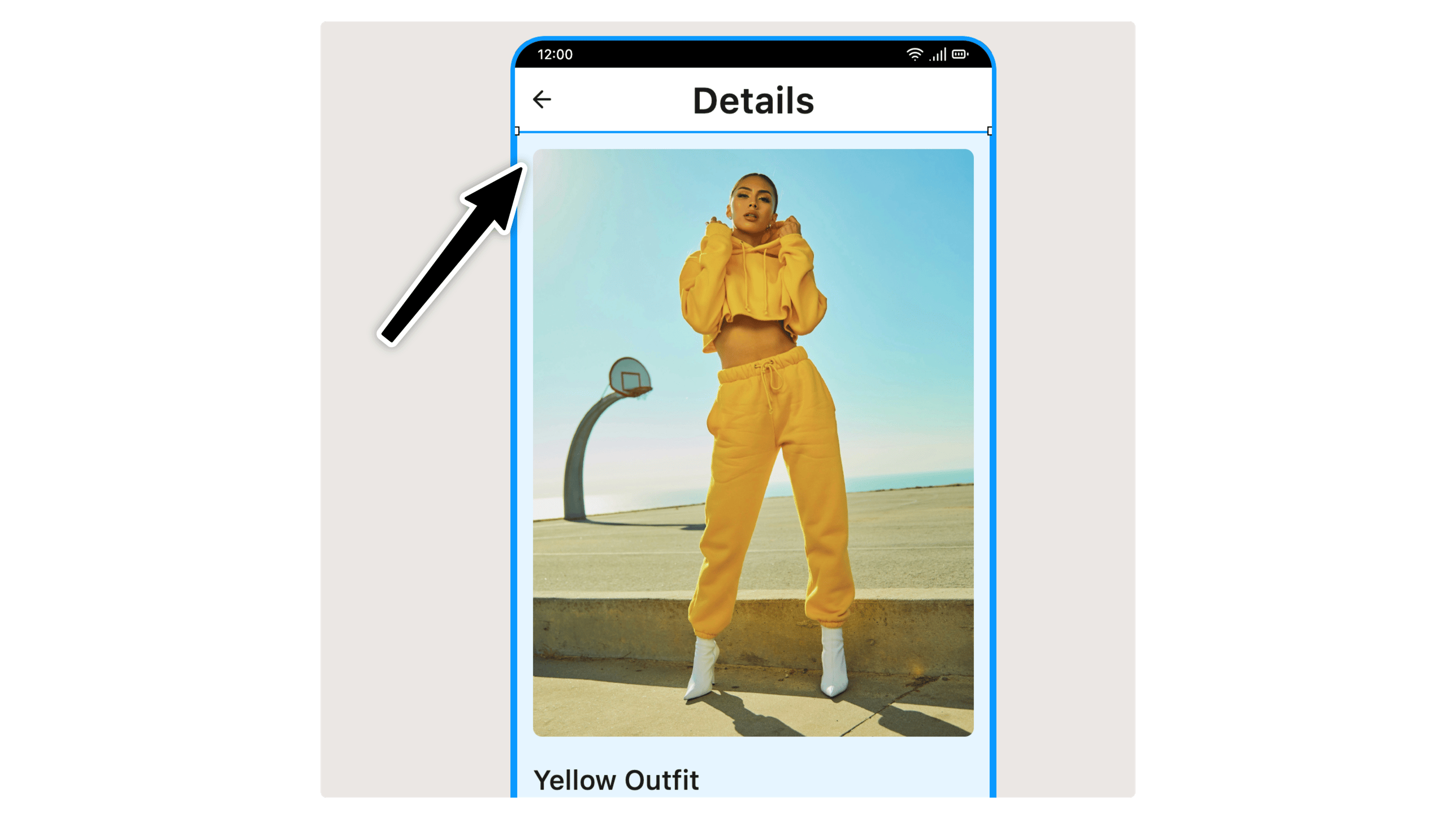
## 1. Select the element you want to customize on Tablets
You can do so either in the [Screen Canvas](/building#screen-canvas) or the [Layers Panel](/building#layers-panel)
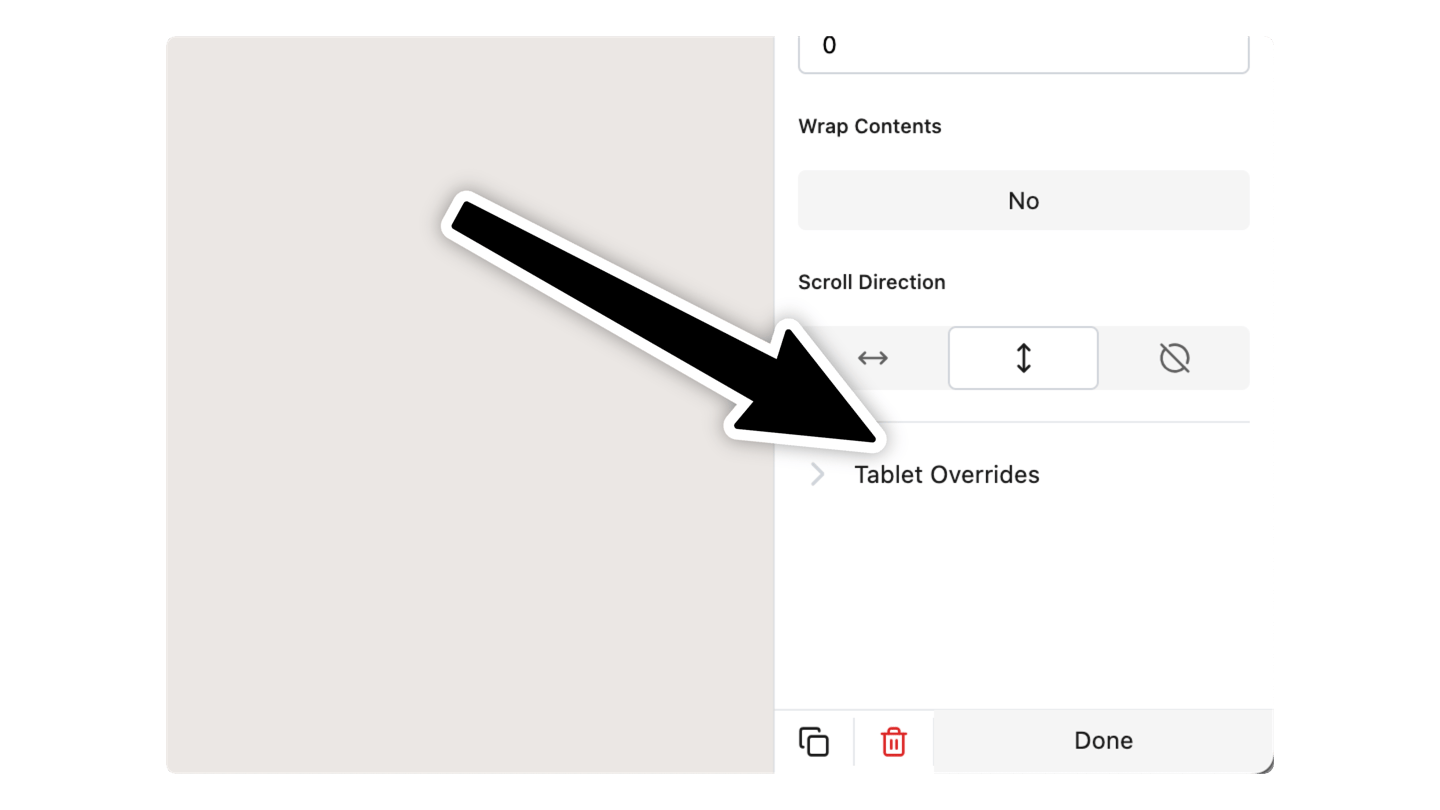
## 2. In the Properties Panel, scroll down to `Tablet Overrides` and click it
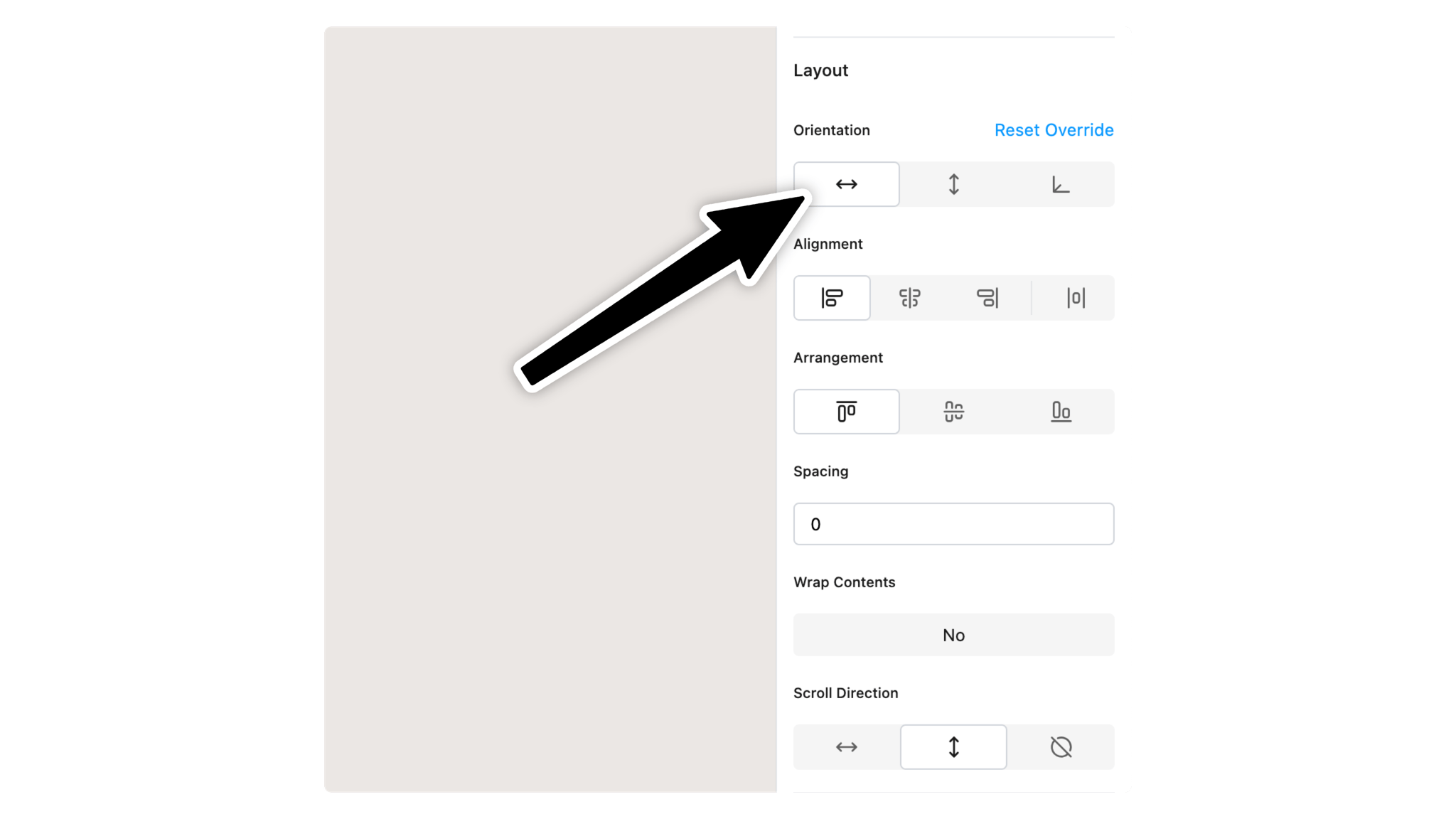
## 3.Change the property you want to update on Tablets
For our example, we changed the **Orientation** property to be **Horizontal**
That's all. The override will only be applied on tablets.
 ## 2. In the Properties Panel, scroll down to `Tablet Overrides` and click it
 ## 3.Change the property you want to update on Tablets
 For our example, we changed the **Orientation** property to be **Horizontal**
That's all. The override will only be applied on tablets.
For our example, we changed the **Orientation** property to be **Horizontal**
That's all. The override will only be applied on tablets.